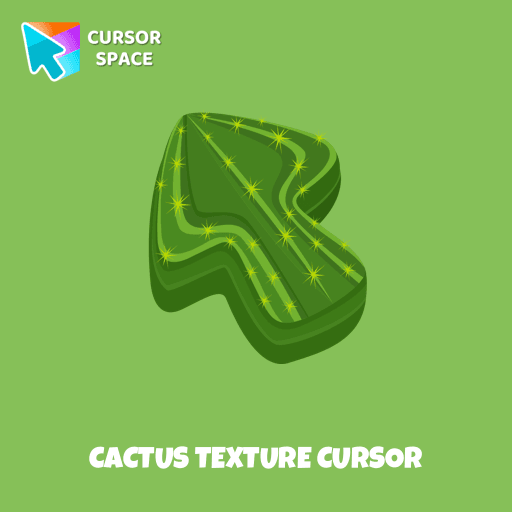
Cactus Texture cursor
(175)
Premium
Explore the beauty of desert plants on your screen with our cactus custom cursor for Google Chrome. This custom cursor adds charm and a touch of nature.



One of the standout features of the Among Us Spider-Man Character cursor is its ability to capture the essence of Spider-Man. With his red and blue suit and iconic web-slinging abilities, Spider-Man is one of the most popular and beloved superheroes of all time. With this cursor, you can now harness the same exciting energy as Spider-Man, adding a touch of superhero action and adventure to your daily computer usage.
Installing the Among Us Spider-Man Character cursor is an easy process. With just a few simple steps, you can add this thrilling custom cursor to your desktop. It's a fantastic way to personalize your computer experience while showcasing your love for Spider-Man and Among Us.
Install the Cursor Space extension for Chrome or Cursor Space for Edge in your browser.
On this page, click "Add this cursor pack to the extension".
Open the extension and go to the Packs tab.
Find the custom cursor pack "Among Us Spider-Man Character cursor" and click it.
Enjoy!
Get this cursor pack and thousands of others by installing our extension. It's fast and free!
Among Us Spider-Man Character Cursor is a themed cursor pack you can add to your browser to personalize your pointer across common cursor states (default and pointer). Use it for everyday browsing, streaming, studying, or gaming-anywhere you want your cursor to match your vibe.
See how the cursors look before installing.
Add the pack to the extension in a few clicks.
Designed for Chrome and Edge via the extension.
Quick answers to common questions about cursor packs, collections, and installation.
Custom cursor and packs - neon, anime, pixel art. Quickly add to Chrome and Microsoft Edge for free
Explore the beauty of desert plants on your screen with our cactus custom cursor for Google Chrome. This custom cursor adds charm and a touch of nature.
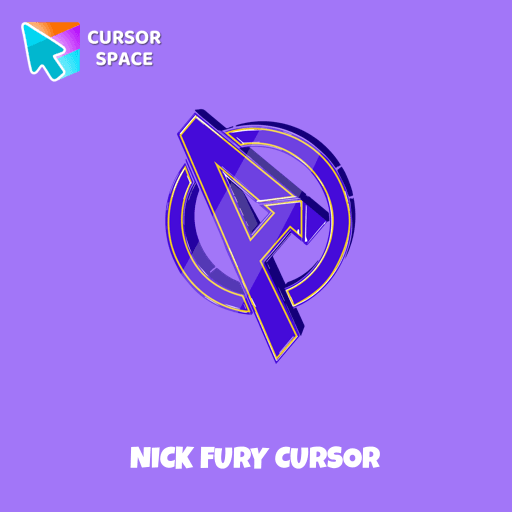
Transform your browsing with the Nick Fury custom cursor. Bring the power of the legendary S.H.I.E.L.D. director to your screen with this unique custom cursor for Google Chrome.

The Love-a-lot Bear custom cursor from our custom cursors collection for Chrome.
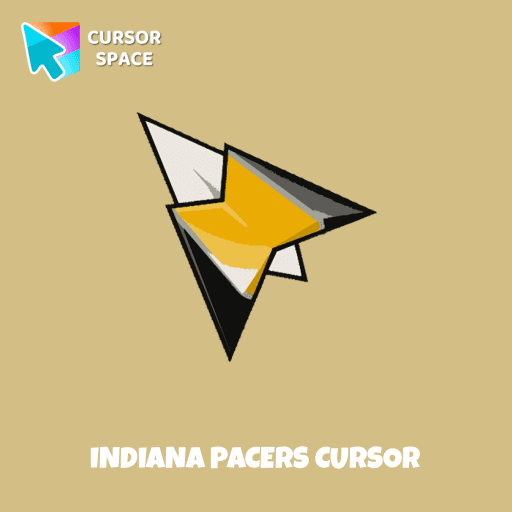
Show your team pride with the Indiana Pacers custom cursor. This custom cursor for Google Chrome features the team’s logo and colors for true fans.
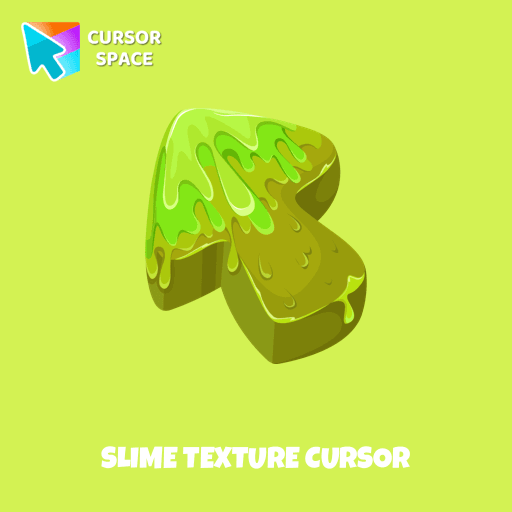
Our collection of custom cursors is excited to introduce the Cute Cursor Bundle, which includes a charming slime cursor and an adorable hover pointer.
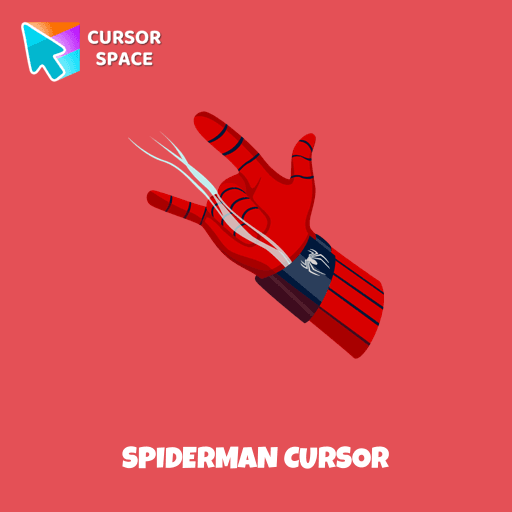
Transform your browsing with the Spiderman custom cursor for Google Chrome. Enjoy the thrilling design and web-slinging animations of this iconic superhero.
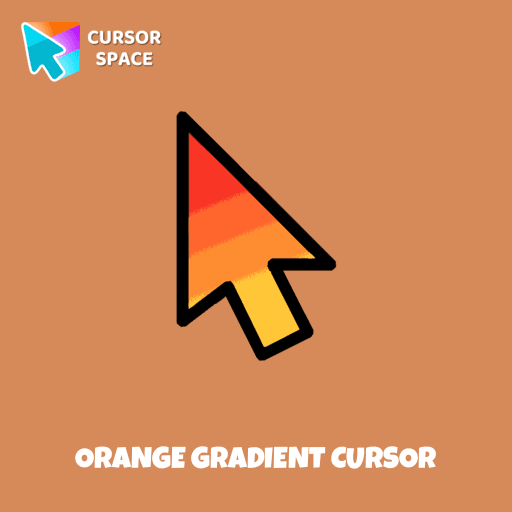
Upgrade your browsing with the Vibrant Orange Gradient Cursor. This custom cursor offers a seamless orange gradient, merging style with functionality
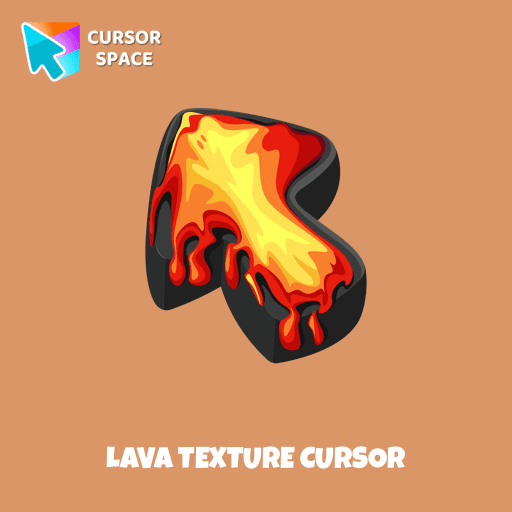
Ignite your browsing with the Lava custom cursor for Google Chrome, inspired by volcanic magma. Experience intense energy right on your screen.
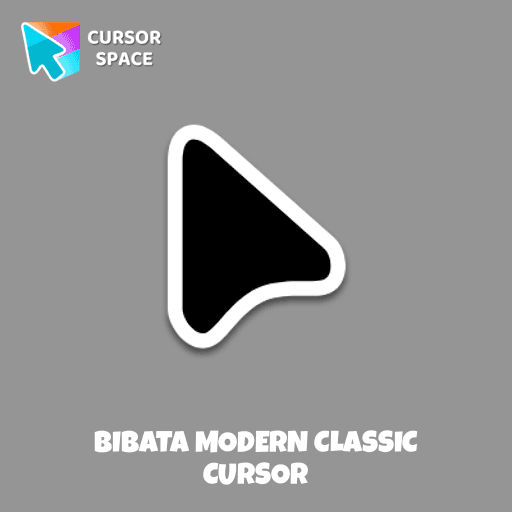
Enhance your desktop with Bibata Modern Classic Cursor - a stylish custom cursor that combines elegant design with classic comfort for everyday use.
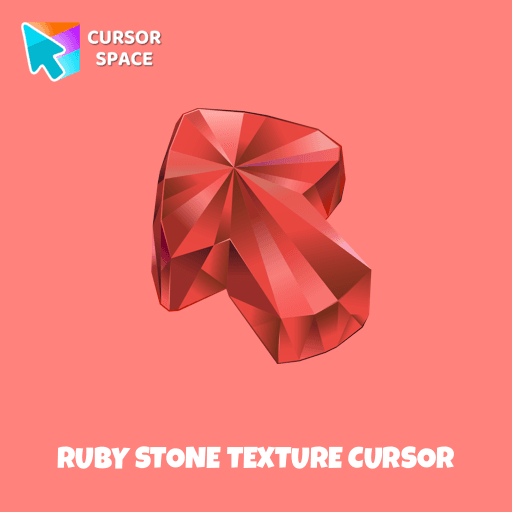
Enhance your browsing with the Ruby Stone Texture custom cursor. This stylish custom cursor for Google Chrome adds a touch of luxury and elegance to your screen.
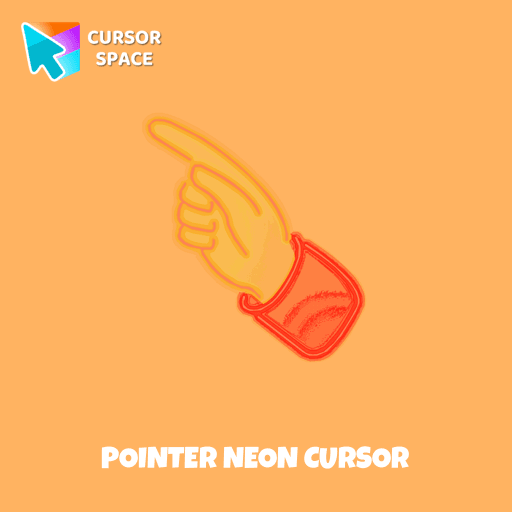
Pointer Neon Cursor is a customizable cursor option for those who want to add some color to their computer interface.
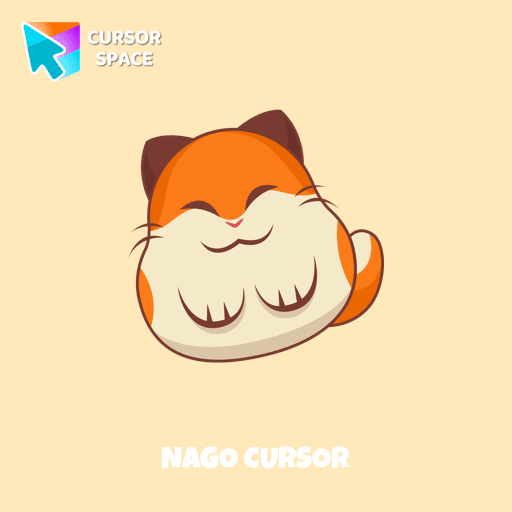
Nago, one of Kirby's animal friends, is a round and plump Japanese Bobtail. Originally designed for the game,
Installation leaders from "Among Us cursors": free packs, neon/anime/pixel art, quick add to Chrome and Edge.

The Among Us Son Goku Character cursor is an exciting addition to the browser cursor collection.

Add a dynamic touch to your browsing with the Among Us Vegeta custom cursor for Google Chrome. Perfect for Dragon Ball and Among Us fans!

Introducing the Cute Among Us Kakashi Hatake Character Cursor: A Perfect Blend of Two Favorites!

Add a touch of fun to your browsing with a custom cursor for Google Chrome featuring vibrant orange Pokémon characters like Charmander and Infernape.


The Black Panther character cursor has become a highly sought-after customization option in Among Us.

In the vast array of cursors available, let's not overlook the vibrant red Super Mario characters.

Enter the World of Dragon Ball with the Among Us Son Goku Character Cursor

Among Us Baby Yoda Character Cursor - Unleashing the Cuteness and Mischief in Outer Space

Our collection of custom cursors for Chrome now features the Among Us Spongebob Character cursor.

Among Us players have the option to select from a variety of colors to customize their in-game characters. In fact, there are 18 different hues available for selection in the game lobby.

Unleash the Stealthy Excellence with Among Us Black Character Cursor
Add packs instantly and unlock access to thousands of cursors: neon, anime, pixel-art, and more. Fast, safe, and free.
Cursor Space is an extension for changing your mouse cursor in Chrome and Edge browsers: themed collections, HiDPI icons, neon, animated, and pixel cursors, with quick installation.